
HOME / SEPTEMBER 13, 2026 BY CHARMED CURATION
This post contains Amazon affiliate links. If you buy through them, I may earn a commission at no extra cost to you. As an Amazon Associate I earn from qualifying purchases.
AESTHETIC KEYBOARDS
A Home Office That Feels as Good as It Sounds
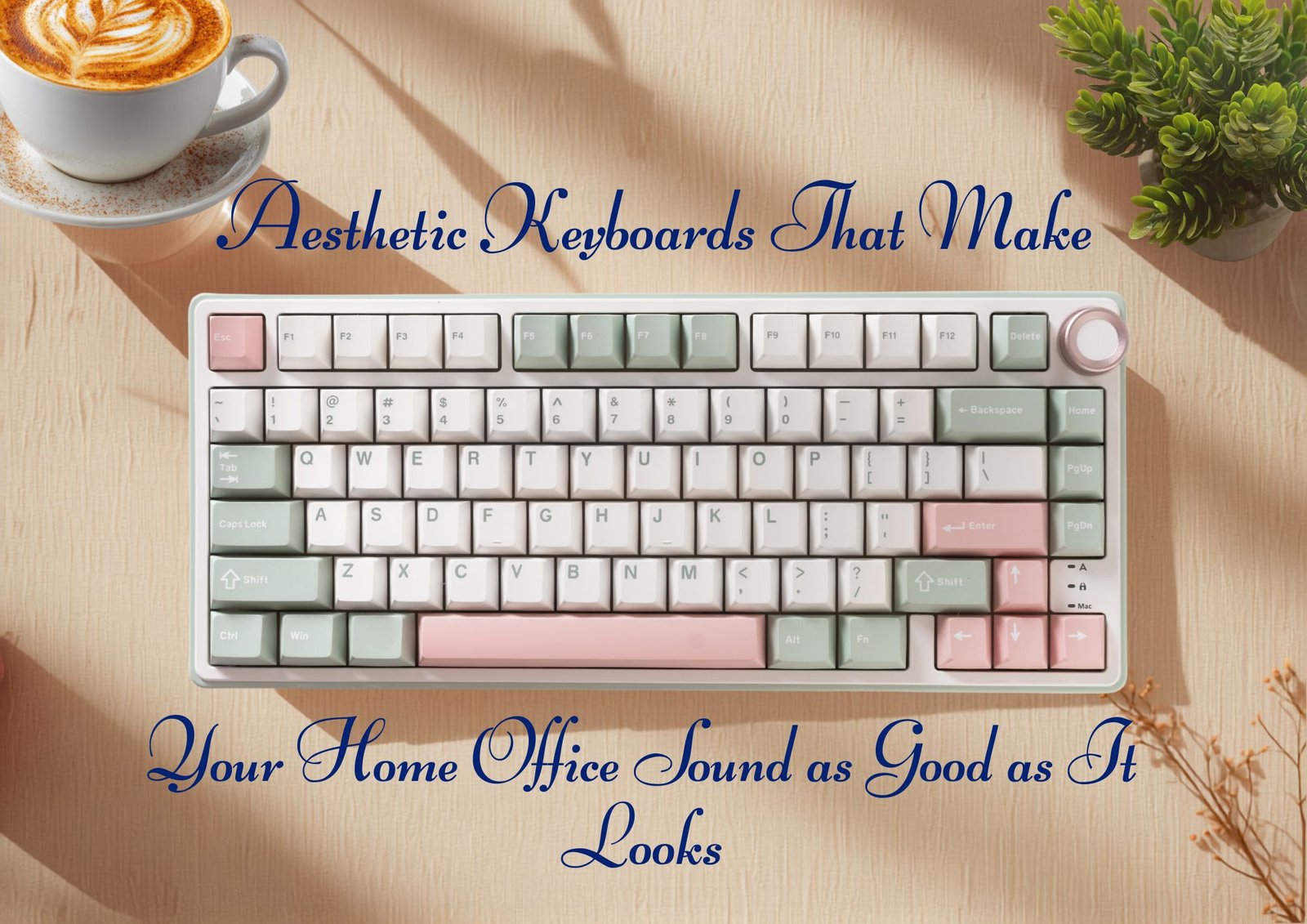
Most desk guides style the photograph. This one treats the keyboard as something you see, hear, and touch for hours, then makes color, sound, light, and comfort work together.
Affiliate links · This post contains affiliate links. · Updated September 13, 2026
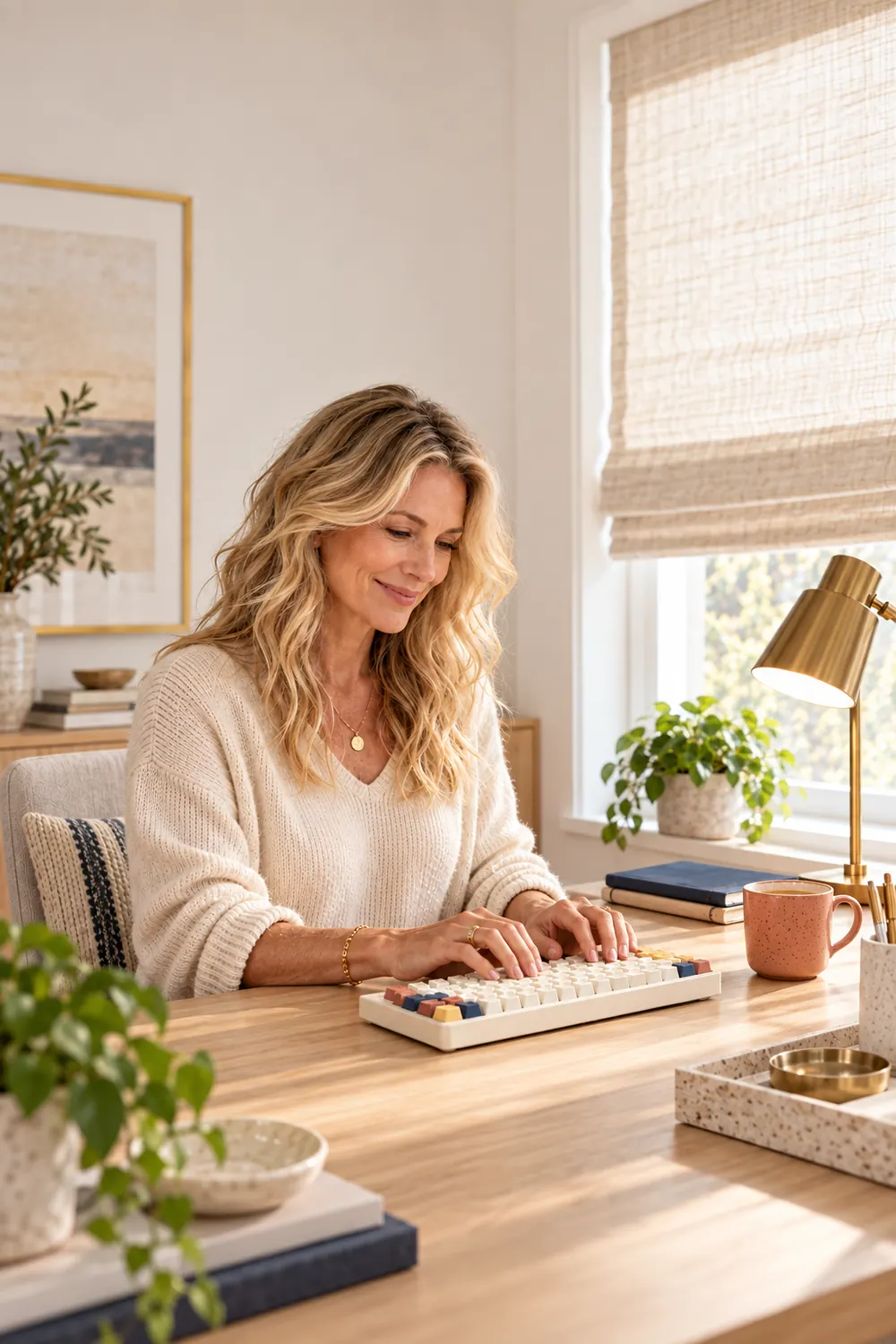
Aesthetic keyboards have become the visible half of a larger desk trend. Mechanical keyboard ASMR is the audible half, built around close-up typing tests with low thocks, creamy taps, or brighter poppy clicks. A board can look lovely on screen and still crowd the mouse, angle the wrists upward, flash distracting lights, or sound sharp enough to become the only thing you notice at four in the afternoon.
The better goal isn’t a desk that looks calm in a photograph. It is a desk that asks less of you while you work.
This guide uses the keyboard as the sensory center of the room. Six connected decisions shape the reach of your hands, the sound under your fingertips, the light on the screen, and the comfort that helps a marathon workday feel more humane. It also explains what the best keyboard ASMR clips can reveal, and what they can hide.
Can an Aesthetic Home Office Help You Focus?
Beauty can make a room feel more inviting, but an aesthetic keyboard is not a mental health treatment and a pretty desk is not productivity software. A 2026 office-aesthetics study found that attractive office images changed how productive people expected to feel without improving objective performance. That distinction is useful. A beautiful room can be an invitation to begin, but the practical setup still has to carry the day.
Workplace research gives us a more grounded promise. Satisfaction with the physical environment has been associated with job satisfaction and well-being, and a 2024 study of workplace design linked factors including noise, furniture, temperature, and aesthetics with perceived work performance. The room does not do the work for you. It can remove small irritations that keep charging interest all day.
THE SOUND GUIDE
Why Mechanical Keyboard ASMR Is Everywhere
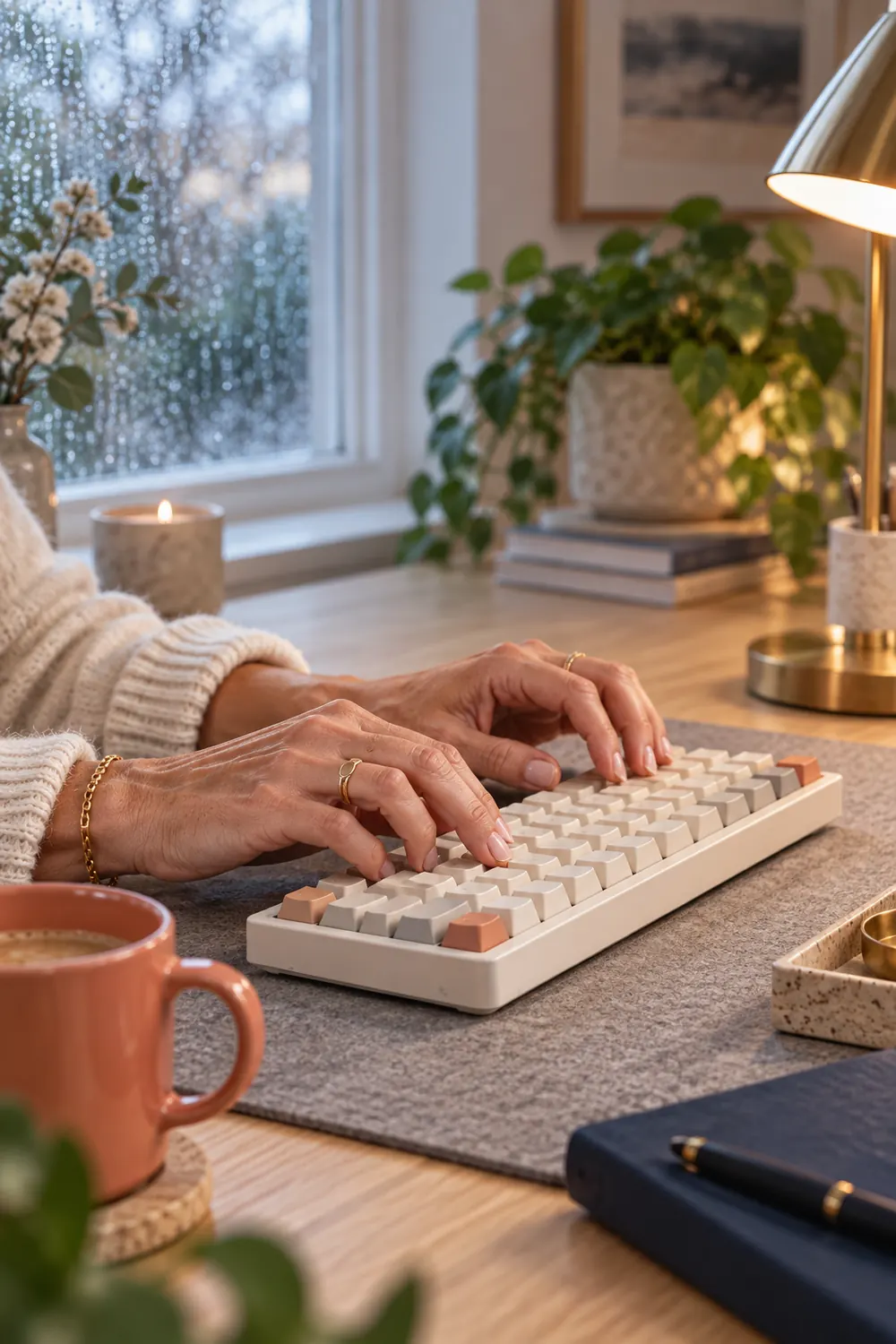
Typing videos have turned a work tool into a small sensory performance. Fast Company traced the creamy-keyboard craze to ASMR creators making both short social clips and long, voice-free recordings. The appeal is easy to understand. Repetition gives the sound a rhythm, while pastel cases, rounded keycaps, and restrained lighting make the keyboard pleasant to watch.
Creamy, thocky, poppy, and clacky are enthusiast descriptions, not standardized sound ratings. Switches matter, but so do the case, plate, gasket mount, internal foam, stabilizers, keycap material and profile, desk mat, and the desk itself. Factory lubrication can reduce scratchiness. Dampening can tame hollow resonance and metallic ping. Neither guarantees that one keyboard will sound the same in your room as it did through a creator’s microphone.
What the Best Keyboard ASMR Lets You Hear
- Consistent letter keys without one sharp outlier
- A spacebar that does not sound hollow or rattly
- Stabilized Shift, Enter, and Backspace keys without loose chatter
- A clean recording without music covering metallic ping
What “Logitech Keyboard ASMR” Can Mean
Logitech keyboard ASMR is not one sound profile. The Pebble Keys 2 K380s produces a quiet, laptop-like tap rather than mechanical thock. The MX Mechanical Mini offers low-profile Tactile Quiet, Clicky, and Linear switch options, so its rhythm depends on the version. POP Keys leans into a brighter click, clack, and pop. If you love the look of one, search for a sound test of that exact model and switch, not only the brand name.
THE SHOPPING LIST
| # | Item | Why it belongs |
|---|---|---|
| 1 | AULA F75 keyboard | Compact 75 percent layout |
| 2 | AULA F99 keyboard | Compact layout with number pad |
| 3 | Redragon K673 Pro keyboard | Dampened 75 percent option |
| 4 | YUNZII C68 Cute Cat keyboard | Compact, playful 65 percent option |
| 5 | Extended desk mat and palm support | Positioning and visual anchor |
| 6 | Adjustable task lamp | Layered light |
THE FRAMEWORK
More from Charmed Curation
7 Small Home Upgrades That Make Weekends Feel Prettier →
Why This Desk Reads as Calm
One layout earns its inches
The board keeps every key the work requires and gives the mouse enough room to stay close.
Sound fades into the room
The typing note is pleasant at nine in the morning and still tolerable during the late-afternoon call.
Color stops at three notes
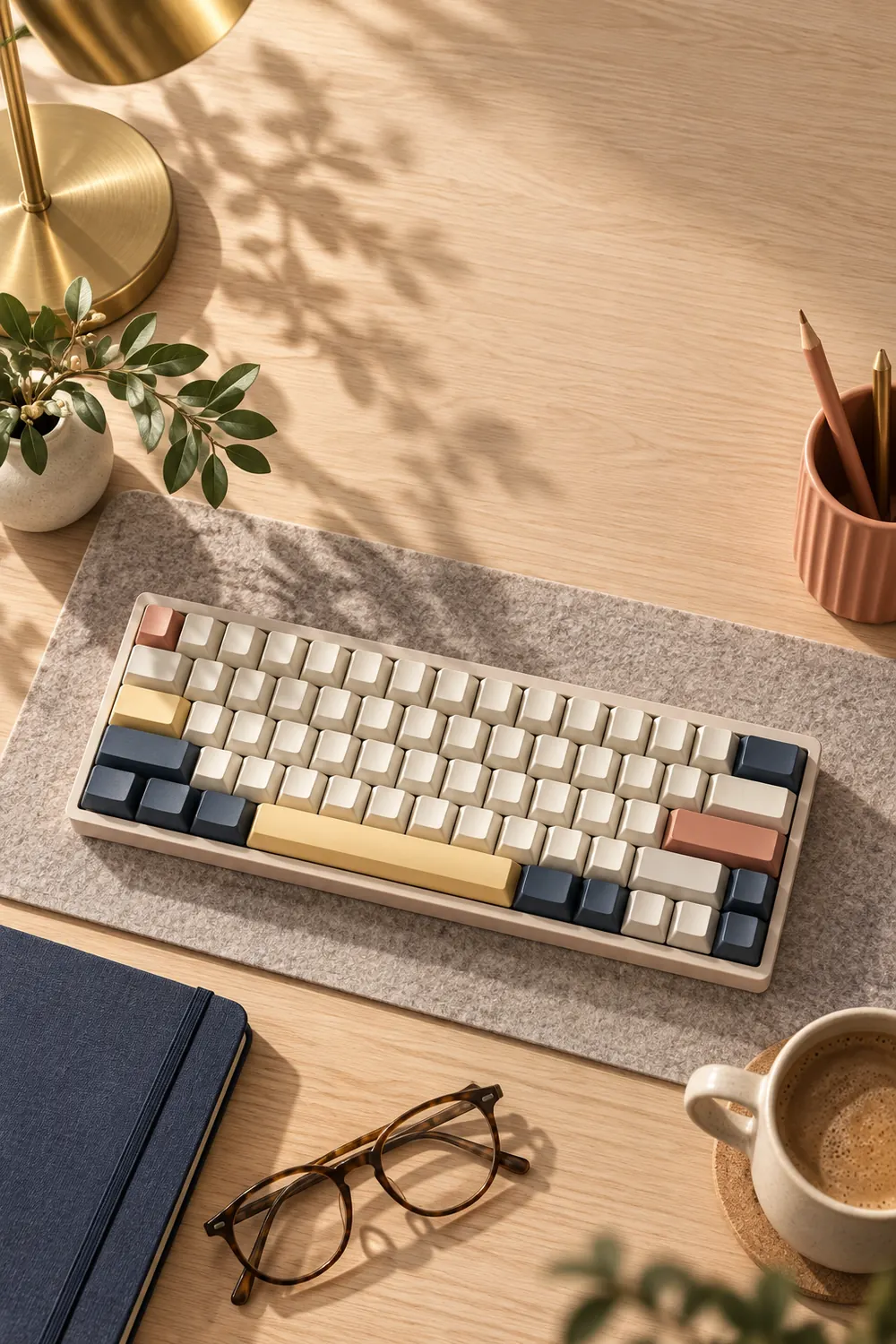
One quiet base, one warm accent, and one dark anchor feel collected without making the desk visually busy.
Comfort breaks the composition
If the beautiful object pushes your wrists, shoulders, screen, or mouse out of position, the photograph loses.
THE FULL WALKTHROUGH
Six Choices, One Better Workday
1AULA F75 Keyboard

The first decision is not color. It is how many keys your work requires. The AULA F75 uses an 80-key, 75 percent layout, keeping the function row and arrow keys while removing the number pad. Its compact width can leave more room for the mouse, which matters far more at three in the afternoon than whether the keycaps match the pencil cup.

Noted for its creamy feel and perfect clicking sound, with reviews stating a better feel and sound than the $150 Duragod keyboard. Excellent value for money, and many appreciate its sturdiness, vibrant RGB lighting, and seamless connectivity options, including both USB-C and Bluetooth capabilities.
The manufacturer lists Bluetooth, 2.4 GHz wireless, and USB-C connections, plus a hot-swappable gasket-mounted build with factory-lubed linear switches. That combination makes the F75 relevant when you compare mechanical keyboard ASMR clips: smooth switch travel and a gasket structure can soften the attack of each keystroke. The exact switch option still matters, and a sound clip recorded on foam may sound fuller than the same board on a bare desk. The tradeoff is simple: if your day lives in spreadsheets, losing the number pad may create more friction than the smaller footprint removes.
Tip: Before buying a 75 percent keyboard, write down every key you use for two workdays. If the number pad, Home, End, Page Up, or Page Down appears repeatedly, compact may not mean convenient.
2AULA F99 Keyboard
A full workday can turn one missing number pad into an annoying design decision. The AULA F99 compresses 99 keys into a 96 percent layout, keeping the number pad in a tighter footprint than a traditional full-size board. It carries the same broad appeal as the F75, including tri-mode connectivity, hot-swappable sockets, and a gasket structure.
The F99 uses a gasket structure and five internal layers that the manufacturer describes as sound-dampening materials. That gives it the ingredients for a rounder, less hollow recording, but its wider case and long spacebar will not sound identical to the F75. This is the sensible choice for bookkeeping, data entry, or anyone whose muscle memory lives on the right side of the keyboard. The tradeoff is width. Measure the path from your home-row hand to the mouse, because a beautiful number pad is not helping if it pulls the shoulder outward hundreds of times a day.
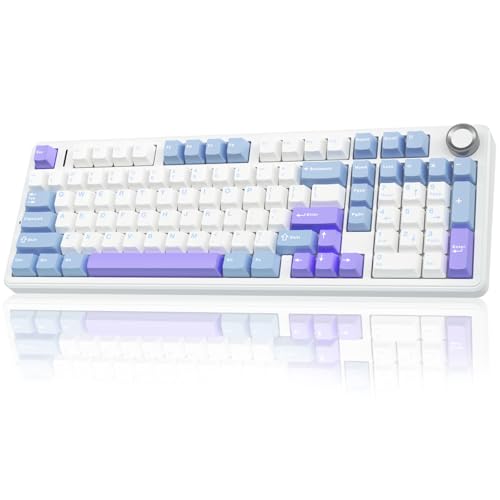
This keyboard is reviewed by customers as the best they have ever had, with a marble-y sound, creamy feel, and plenty of customization options, particularly noting how easy it is to switch out keycaps. They appreciate its sturdiness and color options, and consider it an amazing mechanical keyboard.
Tip: Put painter’s tape on the desk at the listed keyboard width before ordering. Place the mouse beside it and work for an hour. Your shoulder will give a faster answer than the product photos.
3Redragon K673 Pro Keyboard
The word thocky has escaped keyboard forums and landed in home-office décor, but sound is not one specification. Switch type, case material, plate, keycaps, mounting, and internal dampening all change what reaches the room. The Redragon K673 Pro is a 75 percent gasket board with linear red switches, a volume knob, and five layers of sound-dampening material. On paper, that makes it a sensible candidate to investigate when a search for the best keyboard ASMR sends you shopping.
Use that construction as a starting point, not a promise that you will love the sound. The K673 Pro’s linear red switches favor smooth travel, while its foam and silicone layers are intended to reduce hollow case noise. The tradeoff is its gaming visual language, especially the RGB lighting. Turn the lighting down or off if movement in the corner of your eye keeps tugging at your attention.

Multi-Function Control Wheel, 0-Delay Tri-Mode, Cushioned 5-Layer Noise Dampening for Creamy Thocky Sound, Compact 80% Size
Tip: Listen to several independent typing recordings through headphones and speakers. A microphone can flatter bass, and the desk beneath the board changes the note again.
4YUNZII C68 Cute Cat Mechanical Keyboard
Color is allowed to be part of the decision. The YUNZII C68 Cute Cat is a compact 65 percent, 68-key mechanical keyboard with a soft silicone cat-inspired design, tri-mode Bluetooth, 2.4 GHz wireless, and wired USB-C connectivity. It also offers RGB lighting and hot-swappable support, giving the desk a little more personality than a neutral board. This is the expressive choice in the group: let it be the star, then keep the mat, lamp, and surrounding accessories quieter. The tradeoff is the compact layout, which leaves out the number pad and function row.
Its color-led designs can do the decorative work that a row of desk accessories would otherwise be hired to do. Choose one quiet base, one warmer note, and one dark anchor, then stop. Cream, dusty coral, and navy look collected on pale oak. Mushroom, butter, and charcoal work on walnut. The tradeoff is that a strongly themed board controls the rest of the palette. If every object tries to answer it, the desk starts shouting.

Customers love this keyboard’s appearance with chunky keys and cute designs, and appreciate its soft, silky feel that is better for the wrists. Multiple layers of sound-absorbing filling, pre-lubed switches, stabilizers, and solid silicone eliminate typing noise, greatly improving the typing experience. Aesthetic lighting adds a cozy touch.
Tip: Take a daylight photograph of the desk before choosing a colorway. If five unrelated colors already appear in the frame, edit the desk first. The keyboard should anchor the palette, not negotiate with it.


5Extended Desk Mat and Palm Support
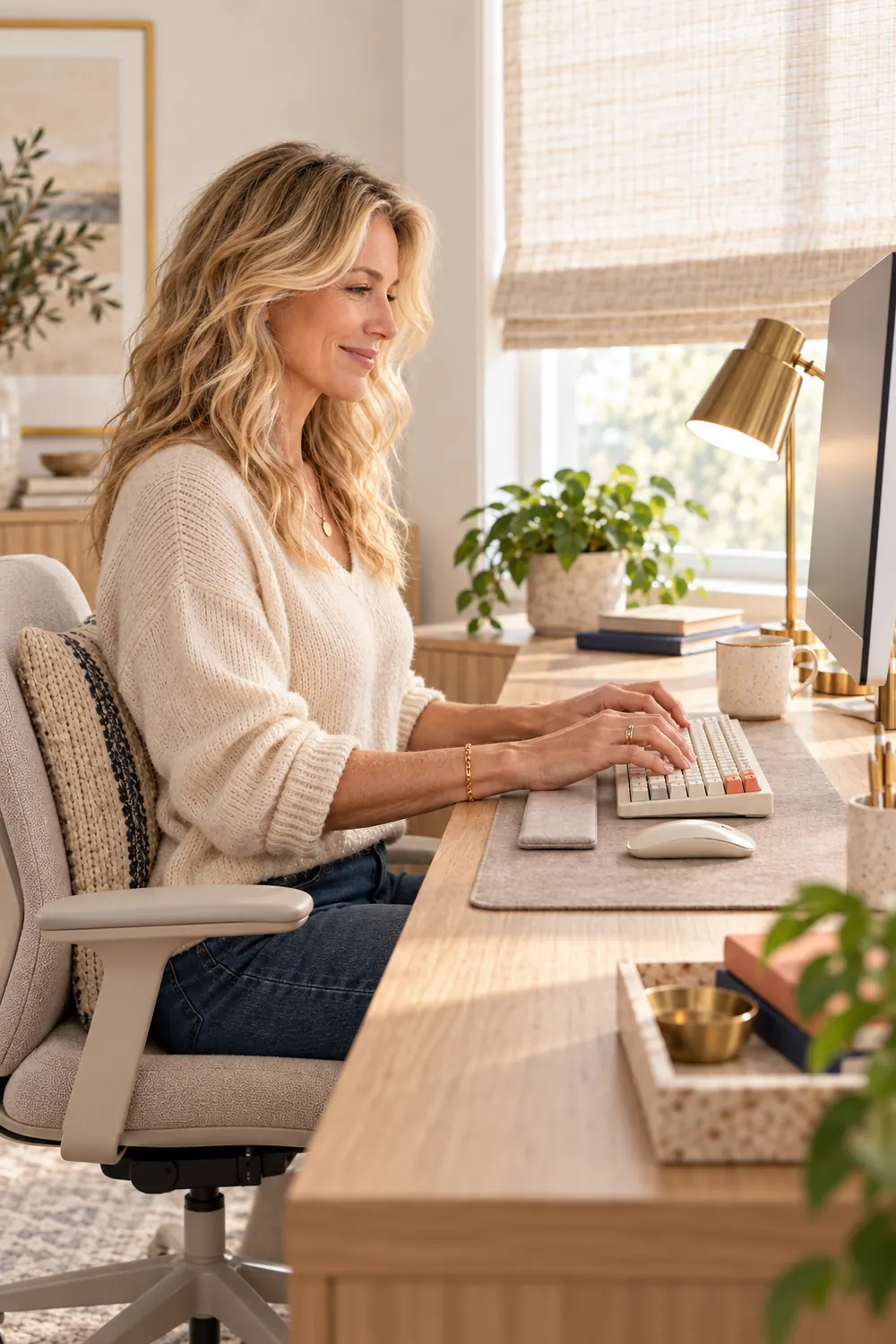
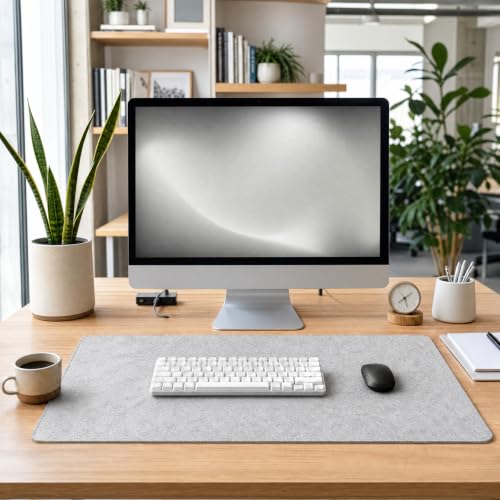
An extended desk mat is the fastest way to make the keyboard and mouse read as one working zone. Choose a low-contrast surface with enough room for both, then place the keyboard directly in front of you. OSHA’s workstation guidance recommends relaxed shoulders, elbows close to the body, and wrists kept straight and in line with the forearms.
A palm support can be useful during pauses, but it should support the heel of the hand rather than pinning the wrist while you type. OSHA advises letting the hands move freely above the support during active typing. The tradeoff with a thick cushioned rest is that it can lift the hand too high. Match its height to the keyboard’s front edge instead of choosing by shape alone.
Tip: Look down while typing. If the wrist bends upward, the palm support is too tall, the keyboard is too high, or both. Fix the height before adding another comfort accessory.
6Adjustable Task Lamp
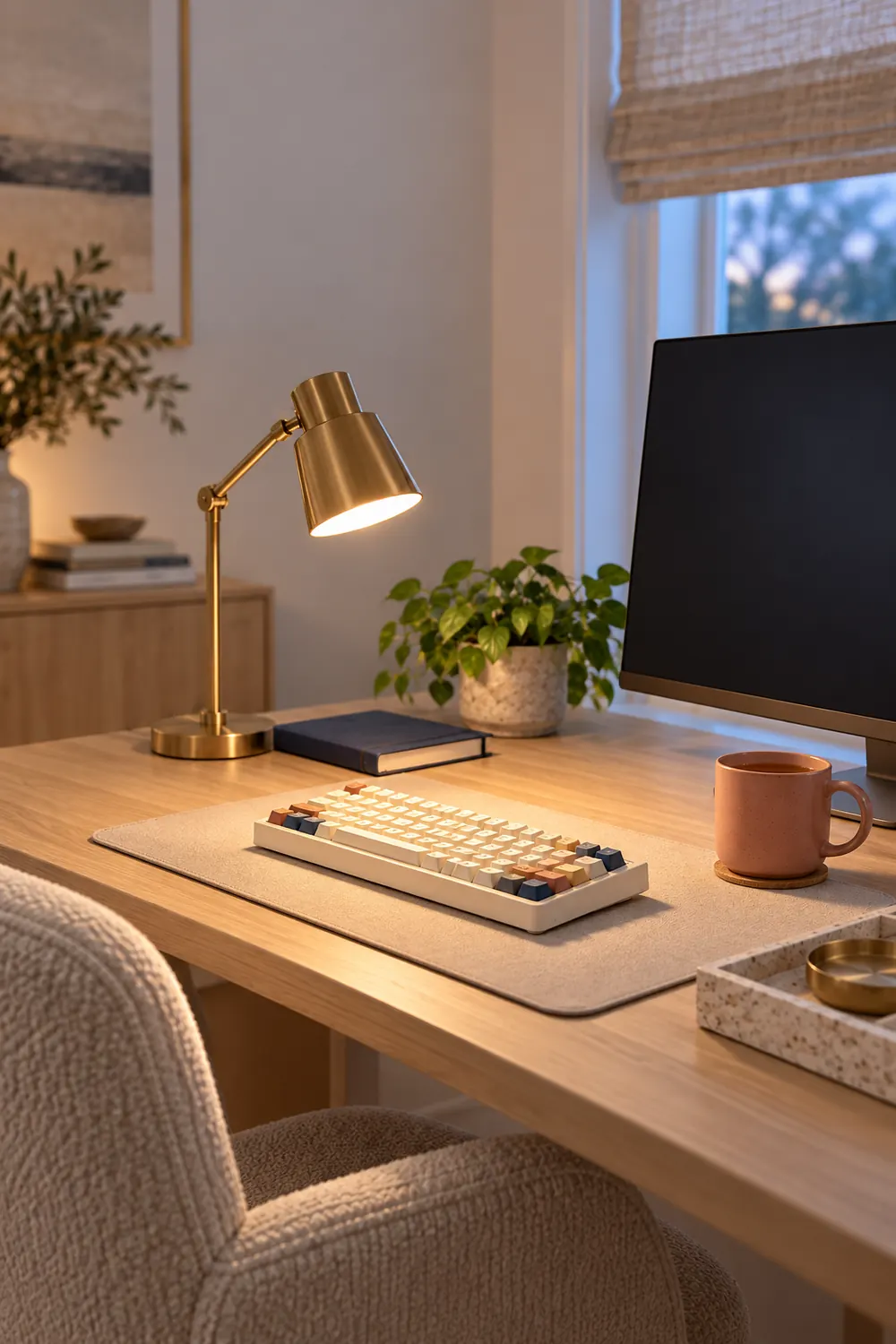
At nine in the morning, daylight may be doing all the flattering work. By four, the desk can feel blue, flat, and harder to read. An adjustable task lamp gives the keyboard its own pool of light without turning the monitor into a mirror. Place it on the side opposite your writing hand, then angle the beam down and away from the screen.
The NIOSH work-from-home guidance recommends reducing glare and arranging the workstation so the screen, keyboard, and input devices can be positioned well. A dimmable lamp helps the room change without making you chase the monitor brightness all afternoon. The tradeoff is contrast. One glowing desk in an otherwise dark room can feel dramatic and tire the eyes, so keep some soft ambient light behind or beside the screen.

Tip: Sit in your normal position and turn the lamp on. If you can see the bulb reflected in the monitor, move the lamp or change its angle before adjusting anything else.
Start With the Object Your Hands Already Know
Start with the layout, because it decides where your hands and mouse can live. Then choose the sound and color that make the board pleasant enough to leave out. The lamp and mat should support that working arrangement, not bury it under décor.
For the rest of the room, try seven small home upgrades that make weekends feel prettier. If the desk keeps becoming the household landing strip, use the systems in 11 organizing ideas for people who hate organizing. A calm workspace does not need to be sparse. It needs to make its decisions visible.
Leave a Reply